
Appearance settings give full visual control over how your family charts look - box colours, borders, fonts, line styles, and photo thumbnails. These settings are available on the Pro Plus plan only. Options appear automatically on the Chart edit screen.
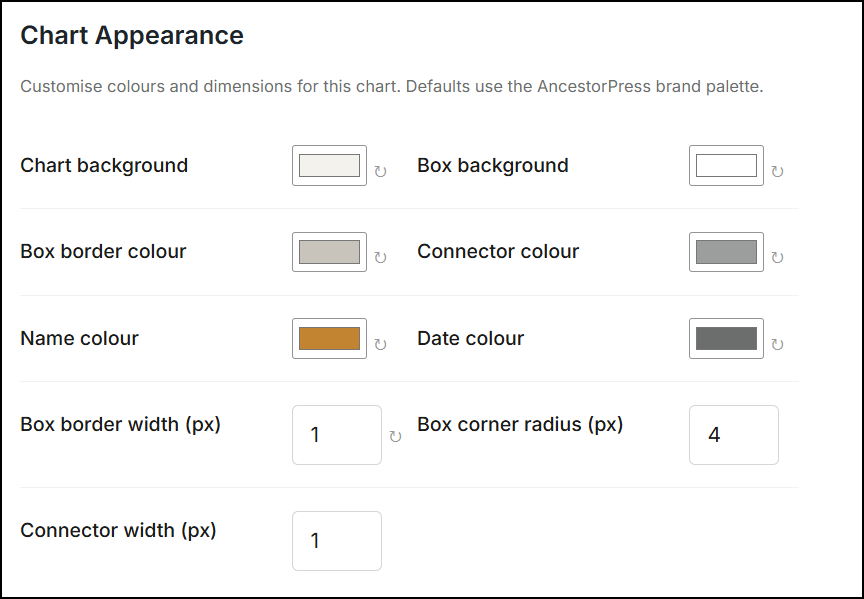
📸 SCREENSHOT: AncestorPress → All Charts → Select a Chart - screen showing all styling controls
If you are on the Free or Pro plan this screen is not available. Your charts use the default AncestorPress styling. Some limited options such as the ability to enable gender colour indicators are available in lower tier licences.
display tab options.