
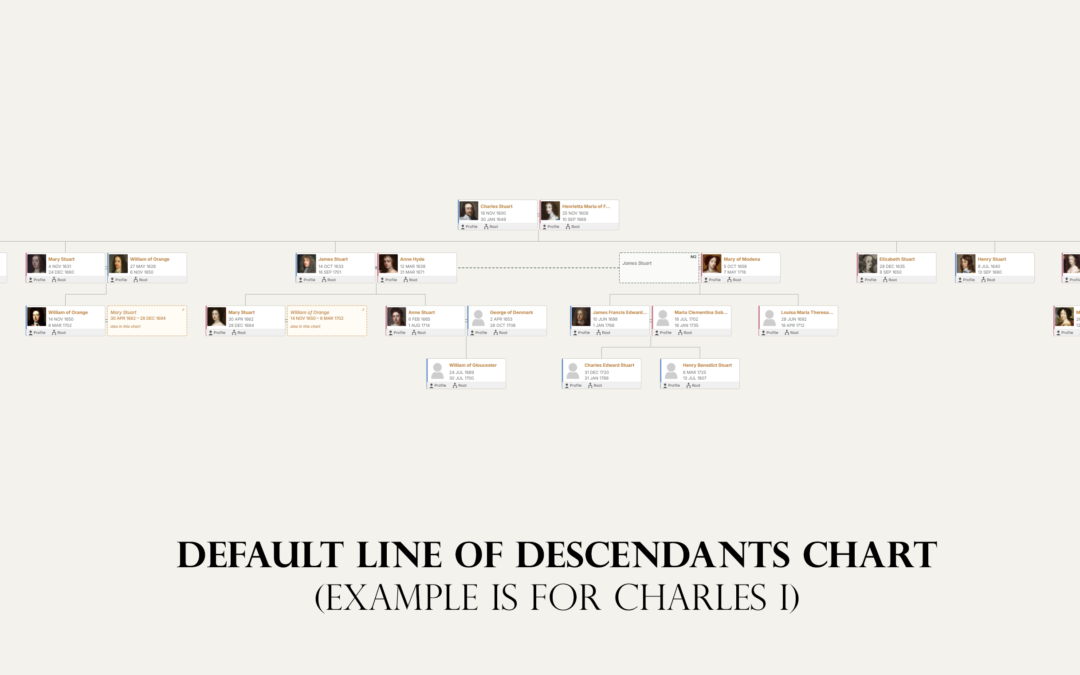
If you want a family history website you own, rather than a tree hosted by Ancestry or MyHeritage, you have two broad routes. You can install a dedicated genealogy web application such as webtrees, Gramps Web or TNG. Or you can add genealogy plugins to WordPress, the software behind a large share of the world's websites.
Both routes keep your data on your own hosting. The difference is whether your family history is a separate application or part of one website.
The options in brief
| WordPress + genealogy plugins | webtrees | Gramps Web | TNG | |
|---|---|---|---|---|
| What it is | Website platform plus plugins | Dedicated genealogy web app | Web companion to Gramps | Dedicated genealogy web app |
| Cost | Free core; plugins free or paid | Free, open source (GPL) | Free, open source (AGPL) | $34.99 licence |
| Hosting | Any WordPress host | PHP and a database | Docker, or a paid host from about €4 a month | PHP and MySQL |
| Latest release | WordPress 7.1 | 2.2.6 (April 2026) | Updated September 2026 | Version 15 promoted on its site |
| Collaboration | Via WordPress users and plugins | Strong, multi-user editing | Multi-user, syncs with Gramps desktop | User permissions |
| Blog and other content | Built in | Limited | No | Limited |
| Themes and design | Thousands of themes and builders | Its own themes | Its own interface | Templates |
webtrees
webtrees is free, open-source genealogy software that grew out of PhpGedView. It is mature, handles large trees and collaborative editing well, has detailed privacy rules for living people, and many web hosts offer one-click installation. Its latest version, 2.2.6, was released in April 2026 and needs a recent PHP version.
Strengths: free, full-featured, collaborative, and designed for genealogy from the ground up.
Weaknesses: it is a separate application with its own look, logins and updates. If you also want a blog or other pages, you will run a second site alongside it.
Gramps Web
Gramps Web is the web version of Gramps, the popular free desktop genealogy program. It has a modern interface, syncs with Gramps desktop, supports multiple users and trees, and includes DNA tools and an AI assistant. It is usually run in Docker, which puts it beyond many non-technical users, but hosted plans are available from Grampshub from about €4 a month.
Strengths: modern, powerful, and ideal if you already use Gramps.
Weaknesses: self-hosting needs technical skills, and like webtrees it is a separate site.
TNG
TNG is a paid, long-established genealogy site builder with a very deep feature set and an active community. Its WordPress integration plugin no longer works, so TNG users who want WordPress now choose between shared logins, custom integration or moving their data. We cover this in TNG and WordPress in 2026.
WordPress with genealogy plugins
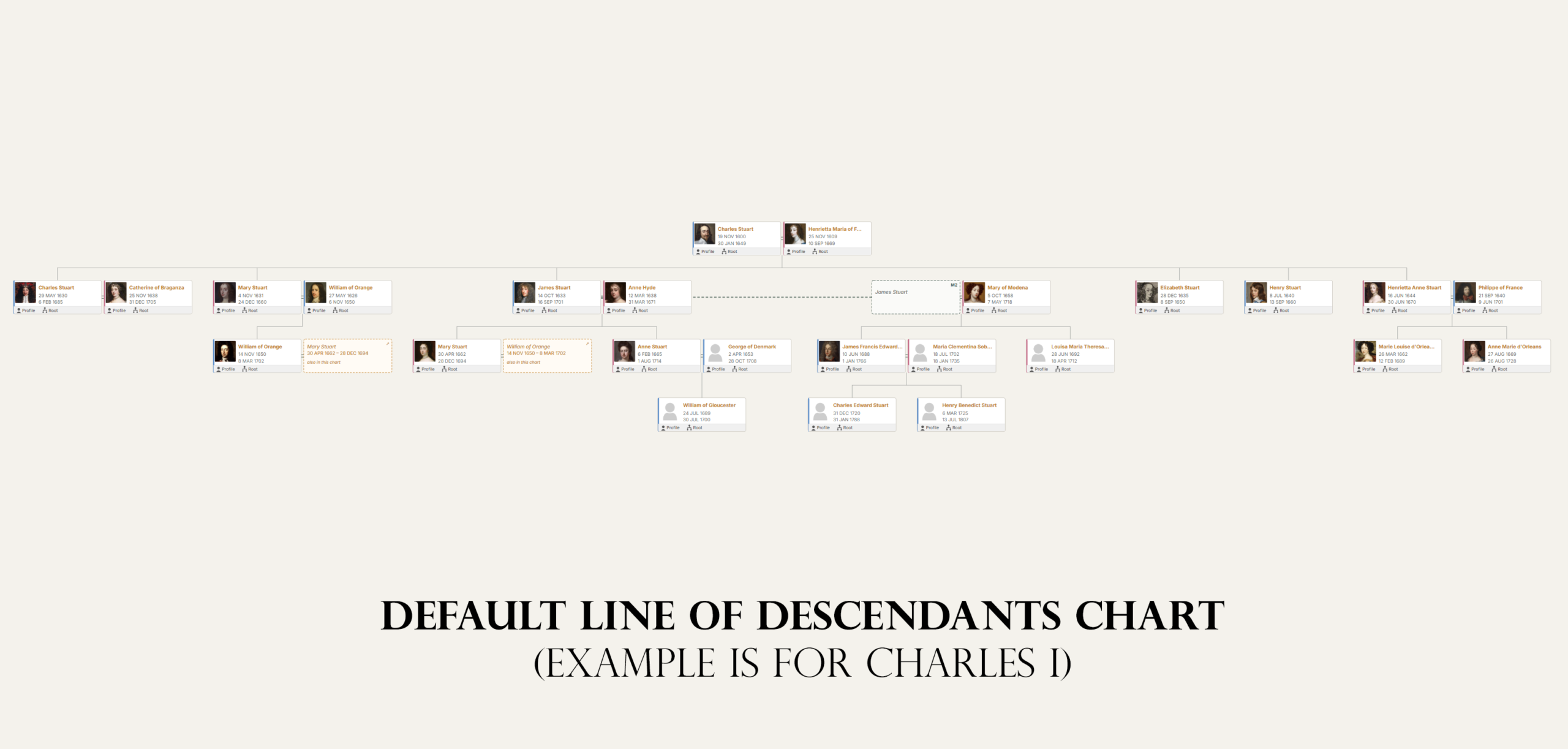
WordPress is not genealogy software, but plugins add the genealogy. AP Family Trees imports a GEDCOM file and draws interactive charts. AP Family Archive builds person, family, source, surname and place pages, with search and reports. Both are free on WordPress.org, protect living people automatically and export GEDCOM again. Other plugins take different approaches; see the best WordPress genealogy plugins in 2026.
Strengths:
- One site. Your family tree, your ancestors' stories, photographs, a blog and a contact form all live on one site with one design.
- Familiar editing. If you can write a WordPress post, you can publish family history.
- Stories next to data. You can embed a person's profile card or a chart in a blog post about them.
- Choice of design. Thousands of themes and page builders.
- Specialist tools. WordPress is currently the only option with dedicated plugins for one-name studies and one-place studies.
Weaknesses:
- Younger genealogy features. The WordPress plugins are much newer than webtrees or TNG, and some advanced features, such as collaborative editing of the tree and DNA tools, are not yet available.
- Your master tree stays elsewhere. Most people keep their tree in desktop or online software and re-import it to update the site.
- Plugin choice matters. Several older WordPress genealogy plugins are no longer maintained, so check before you install.
Which should you choose?
- Choose webtrees if you want free, dedicated, collaborative genealogy software and do not mind running it as a separate site.
- Choose Gramps Web if you already use Gramps, or want a modern interface with DNA tools and are comfortable with Docker or a hosted plan.
- Choose TNG if you want its depth and are happy to maintain a separate site.
- Choose WordPress if you want one website that combines your family tree with stories, photographs and a blog, or if you run a one-name or one-place study, or if you already have a WordPress site.
You can also combine them: keep webtrees or Gramps Web as your research database and publish selected branches and stories on WordPress using a GEDCOM export.
Frequently asked questions
Is webtrees better than WordPress for genealogy?
For collaborative, database-driven genealogy on its own, webtrees is more mature. WordPress is better when you want your family history to be part of a wider website with stories, a blog and a design of your choice.
Can I move my tree from webtrees to WordPress?
Yes. Export a GEDCOM file from webtrees and import it into AP Family Trees or AP Family Archive.
Which is cheapest?
webtrees and WordPress with free plugins cost only your hosting. Gramps Web is free to self-host or from about €4 a month hosted. TNG costs $34.99 plus hosting.
Do I need technical skills?
For WordPress and webtrees, basic website skills are enough, especially with one-click installers. Gramps Web self-hosting needs Docker knowledge.
Get started
If WordPress sounds right, both plugins are free on WordPress.org. Import your GEDCOM and you will have charts and person pages in minutes.
Disclosure: AncestorPress makes WordPress genealogy plugins. webtrees, Gramps Web and TNG are excellent at what they do, and for some people they are the better choice, as explained above. Details were last checked in September 2026.