
TNG (The Next Generation of Genealogy Sitebuilding) has powered family history websites since 2001. It is capable, well supported by its community, and inexpensive at $34.99 for a licence. Many TNG users also run a WordPress site for their blog, and for years the natural answer was the TNG WordPress Integration plugin.
That plugin is no longer an option. Its own page on WordPress.org says:
"As of 1 Jan 2024 this plugin is no longer being updated. It became badly broken under WordPress 6.3.x"
One of its maintainers put it more bluntly in the support forum: "The plugin is hopelessly broken under WordPress 6.3.x and above."
So what should a TNG user who wants WordPress do in 2026? There are three realistic paths.
Option 1: Keep TNG and share logins with Single Sign On for TNG
Single Sign On for TNG is an actively maintained plugin (last updated August 2026) that makes WordPress the place where TNG accounts are created and managed. Logging in to WordPress logs you in to TNG, and it can work with a TNG installation on a different server.
It does exactly what it says, and the developer is clear about its limits: it "makes no attempt to visually incorporate TNG into the WordPress theme". Your visitors still move between two sites with different designs. Its changelog records that recent releases fixed a critical security vulnerability, so keep it updated.
Choose this if: you are happy with TNG as your genealogy site and simply want members to log in once.
Option 2: Integrate TNG with WordPress yourself
Some TNG users connect the two applications without a plugin, using techniques documented on the TNG Wiki: loading WordPress inside TNG's templates, or matching TNG's template to the WordPress theme by hand. Guides describe the process in detail, but they also note the pitfalls, including conflicts between the JavaScript libraries each application loads.
This keeps TNG's full feature set and can look seamless, but it depends on custom code that you maintain through every TNG and WordPress update.
Choose this if: you are comfortable with PHP and templates, or have a developer, and want to keep TNG's features with a unified look.
Option 3: Move your genealogy into WordPress
The third option is to publish your family history with plugins that run inside WordPress, so there is one site, one theme, one login system and one backup.
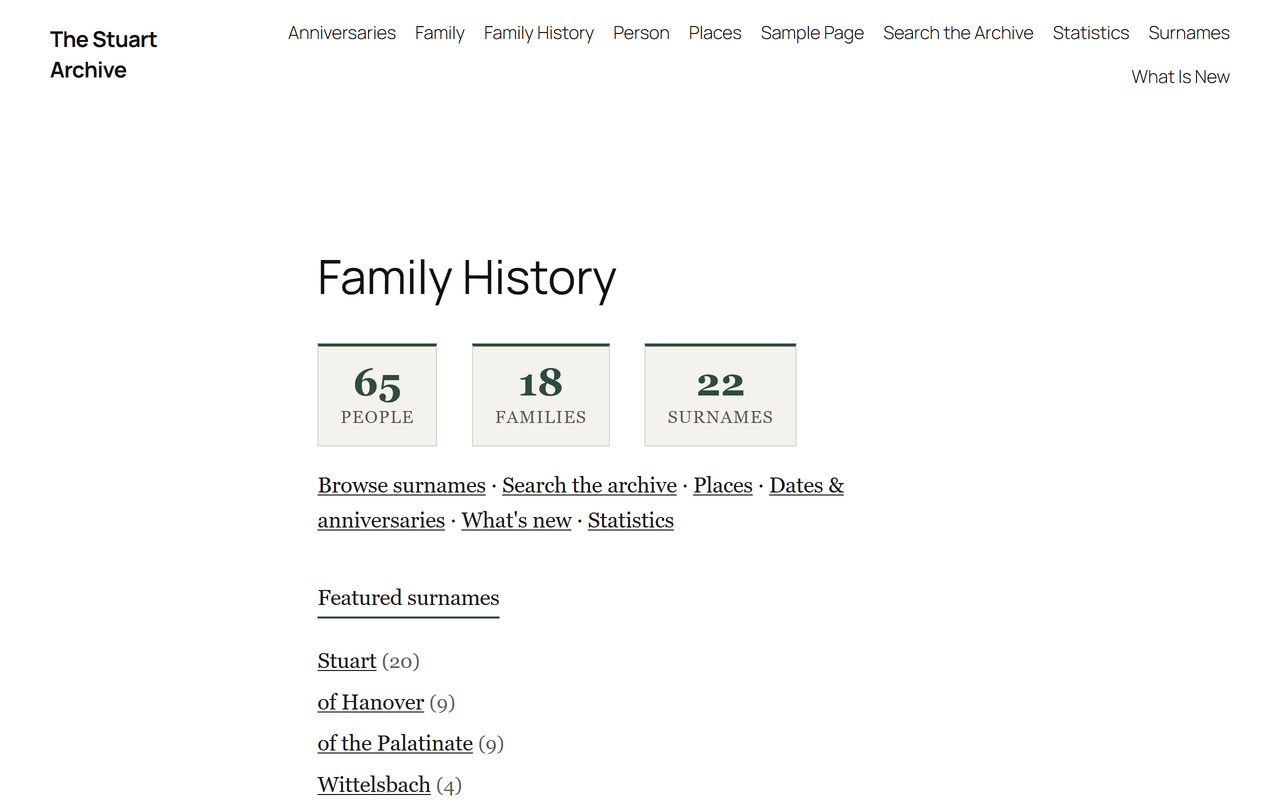
AP Family Archive was designed as a WordPress-native successor to classic genealogy site builders. Its free version creates person pages with a life timeline, family group pages, a surname index, search by name, year and place (with a "sounds like" option), source pages with citations, galleries, anniversaries and a "most wanted" list, Ahnentafel and d'Aboville reports, and GEDCOM export. Living and private people are never shown to visitors. AP Family Trees adds interactive charts from the same data.
For TNG users, two routes in are available:
- GEDCOM, free. Export a GEDCOM file from TNG and import it into AP Family Trees or AP Family Archive. A user who moved from TNG wrote in their review that "the import of GEDCOM data (TNG in my case) worked like a charm".
- Direct database import, Pro. AP Family Archive Pro includes an importer that reads a TNG database directly.
What you give up: TNG has 25 years of development behind it, and some of its features have no equivalent in the AncestorPress plugins yet. It includes DNA test tracking, extensive reports and a mature permissions system, and its community has produced many add-ons. The AncestorPress plugins are new and have far fewer users. Check that the features you rely on exist before you switch, and keep your TNG site running until you are satisfied.
Choose this if: you want your family history and your blog in one WordPress site, with modern themes and editing, and your TNG site does not depend on features the plugins lack.
The three options compared
| Single Sign On for TNG | DIY integration | WordPress-native plugins | |
|---|---|---|---|
| Applications to maintain | Two | Two, plus custom code | One |
| Shared login | Yes | Depends on method | Yes (WordPress users) |
| Shared design | No | Yes, by hand | Yes |
| TNG's full feature set | Yes | Yes | No |
| Technical skill needed | Low | High | Low |
| Cost | Free plugin plus TNG licence | Your time or a developer | Free plugins; paid versions optional |
| Risk from updates | Low | Medium to high | Low |
How to move from TNG to WordPress
- Back up TNG. Export a full GEDCOM file and take a database backup.
- Install the plugins on a staging copy of your WordPress site if you have one.
- Import your GEDCOM into AP Family Archive, or use the TNG importer in Archive Pro.
- Let the plugin create your pages, then check a sample of people, families, sources and living-person handling.
- Add charts with AP Family Trees.
- Redirect your old TNG URLs to the new pages to keep your search rankings, using a redirect plugin.
- Keep TNG running until you are happy, then retire it.
Frequently asked questions
Does the TNG WordPress plugin still work?
No. Its developers stopped updating it on 1 January 2024 and state that it broke with WordPress 6.3. It should not be installed on a current site.
Is TNG still supported?
Yes. TNG itself remains available and maintained by its developer, with an active user community. Only the WordPress integration plugin has been abandoned.
Can I import my TNG tree into WordPress?
Yes. Any GEDCOM export from TNG can be imported into AP Family Trees or AP Family Archive free. AP Family Archive Pro can also read a TNG database directly.
Will I lose my search rankings if I move from TNG?
Not if you redirect your old TNG pages to the equivalent new pages. Plan redirects before you switch off TNG.
Next steps
Try an import from TNG on a test site first. For the wider picture, see the best WordPress genealogy plugins in 2026 and WordPress vs webtrees vs Gramps Web.
Disclosure: AncestorPress makes AP Family Trees and AP Family Archive, one of the options discussed below. We have tried to set out all three paths fairly, including when staying with TNG is the better choice. Details were last checked in September 2026.