What happens to Ancestry trees, family history websites and research files when their owner dies, and a practical plan to make sure your genealogy research outlives you.

Step-by-step guides to publishing your family history on WordPress: importing GEDCOM files, charts and person pages, privacy, members-only sites and backups.
What happens to Ancestry trees, family history websites and research files when their owner dies, and a practical plan to make sure your genealogy research outlives you.
What UK GDPR means for family historians: why the dead are outside it, why a public tree with living relatives is not, how the household exemption works, and a practical checklist for your website.

How the big genealogy services handle living people, how to hide living relatives before you share a GEDCOM file or publish a tree, and why the 100-year rule is the sensible default.
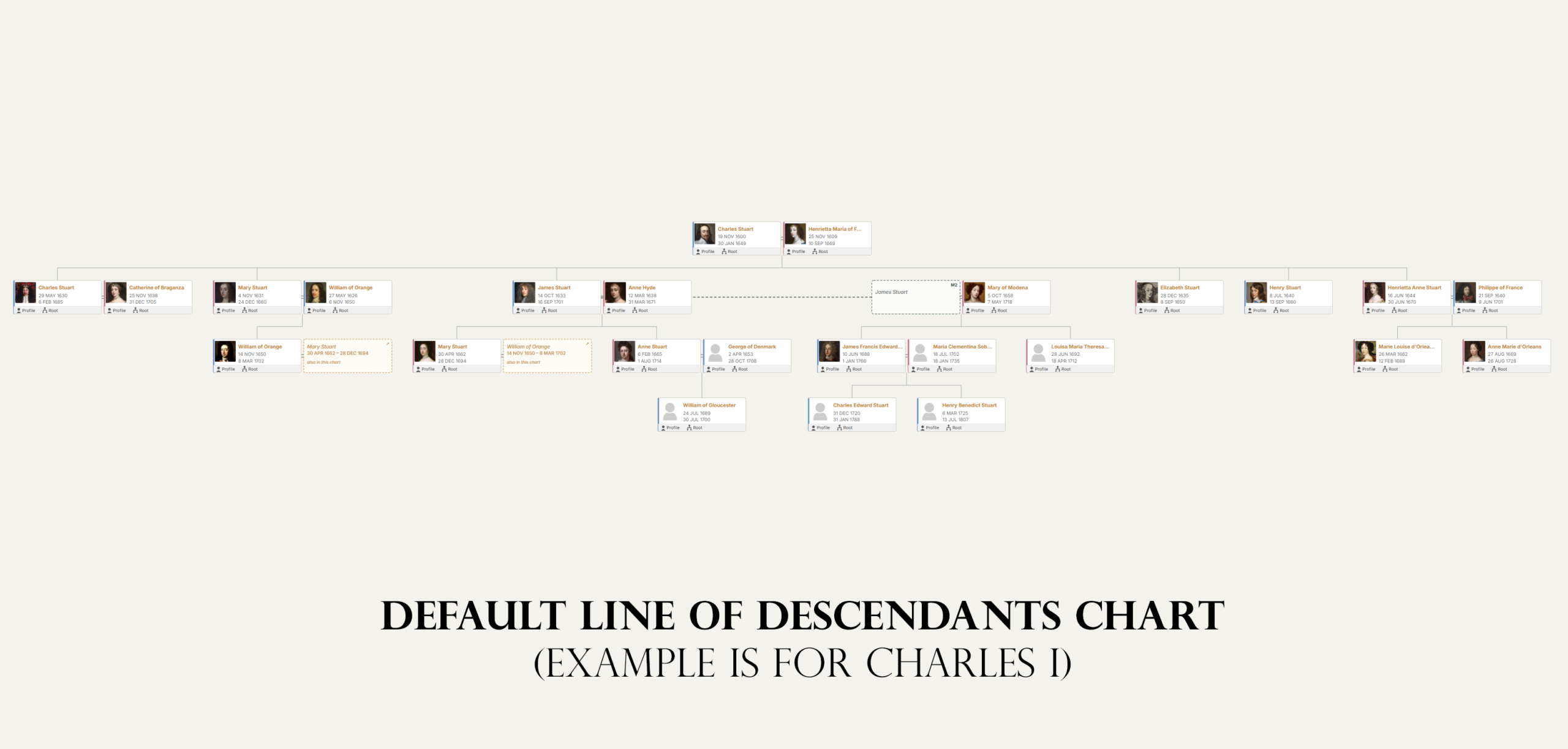
The options for putting your family tree on a website of your own, what each costs, and a step-by-step walkthrough from GEDCOM file to a published family history site.
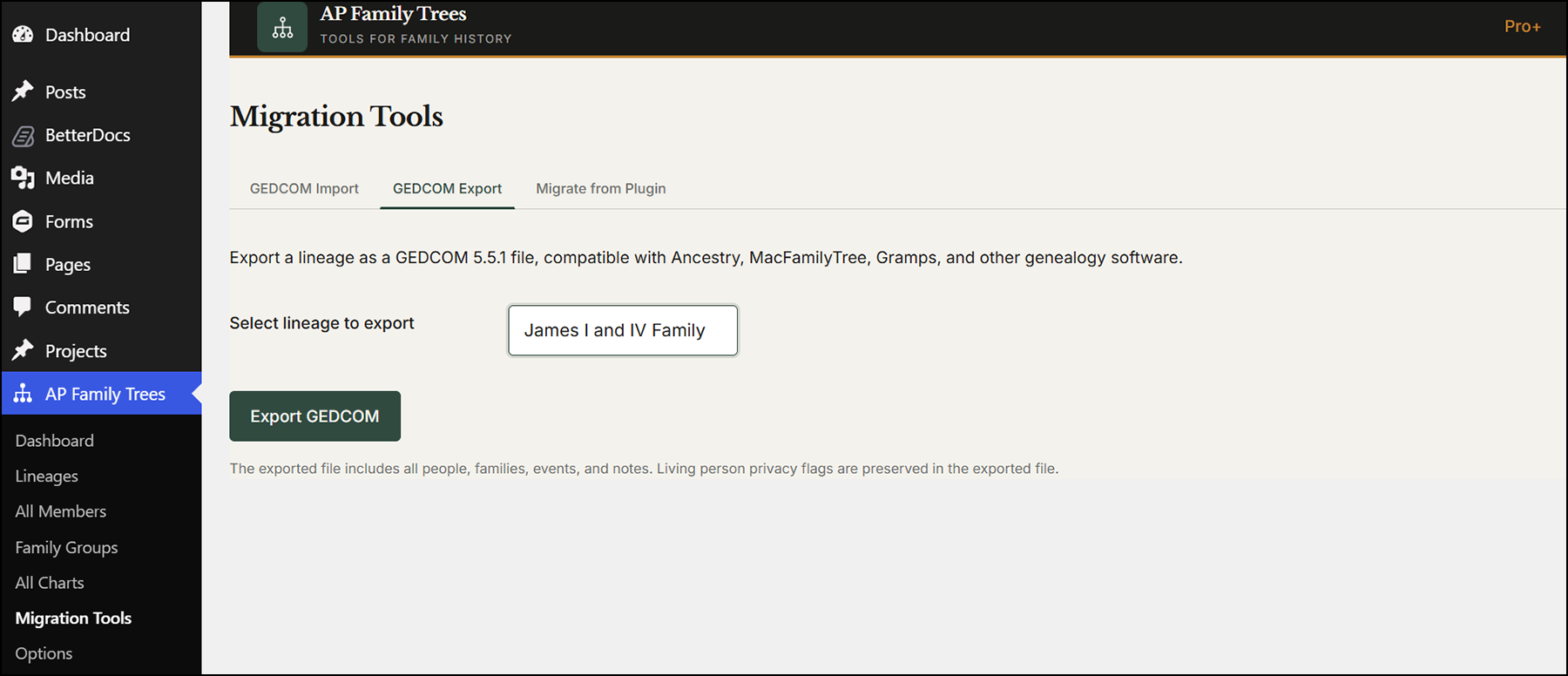
A step-by-step guide to downloading your family tree from Ancestry as a GEDCOM file, what the export leaves behind, how to save your photos and documents, and what to do with the file next.

AP Family Trees is free on WordPress.org. Import your GEDCOM file and publish your first chart in minutes, with living relatives protected from the start.