
Genealogical Tree and AP Family Trees are the two WordPress plugins most people shortlist when they want a family tree on their own site. They look similar at first glance: both draw interactive charts, both have free and paid versions, and both cost about $50 a year. Underneath, they take different approaches, and the right choice depends mainly on one question: does your tree already exist somewhere else?
The short verdict
- Choose Genealogical Tree if you want to build your family from scratch inside WordPress, want free profile pages for each person, need translations out of the box, or prefer a one-off lifetime licence.
- Choose AP Family Trees if your tree already lives in Ancestry, MyHeritage, FamilySearch, Family Tree Maker, RootsMagic or Gramps, if you want to be able to take your data back out again, or if protecting living relatives matters to you.
At a glance
| AP Family Trees | Genealogical Tree | |
|---|---|---|
| GEDCOM import | Free | Pro only |
| GEDCOM export | Free, full fidelity | Pro only |
| People | Unlimited in one lineage (free) | Unlimited |
| Family groups or lineages | One free; unlimited in Pro | One free; unlimited in Pro |
| Chart depth (free) | All generations, pan and zoom | 5 generations down, 2 up |
| Chart types | 1 free; 6 in total | 1 free; 7 layouts in Pro |
| Profile pages | Pro | Free |
| Living-person protection | Automatic, on by default | Option to hide birth dates of people with no death date |
| Block editor | Block and shortcodes | Shortcodes only |
| Translations | English | 13 languages bundled |
| "Powered by" link | Off by default | On every free tree |
| Paid price | Pro $49/yr, Pro Plus $149/yr | $50/yr or $150 lifetime (1 site) |
| On WordPress.org since | 2026 | 2019 |
Getting your tree in
This is the biggest difference between the two.
Genealogical Tree is built around entering people through the WordPress admin: add a person, fill in their details, then link parents, spouses and children. That works well for a small tree or a family reunion site. GEDCOM import is a Pro feature, and the developer describes it as "a one-time action", so it suits a single migration better than ongoing updates.
AP Family Trees is built around GEDCOM. You export your tree from the software you already use and import it into WordPress, free. You can also add and edit people by hand. Re-importing replaces the lineage, so for now the best workflow is to keep your master tree in your desktop or online software and re-import when you want to refresh the site.
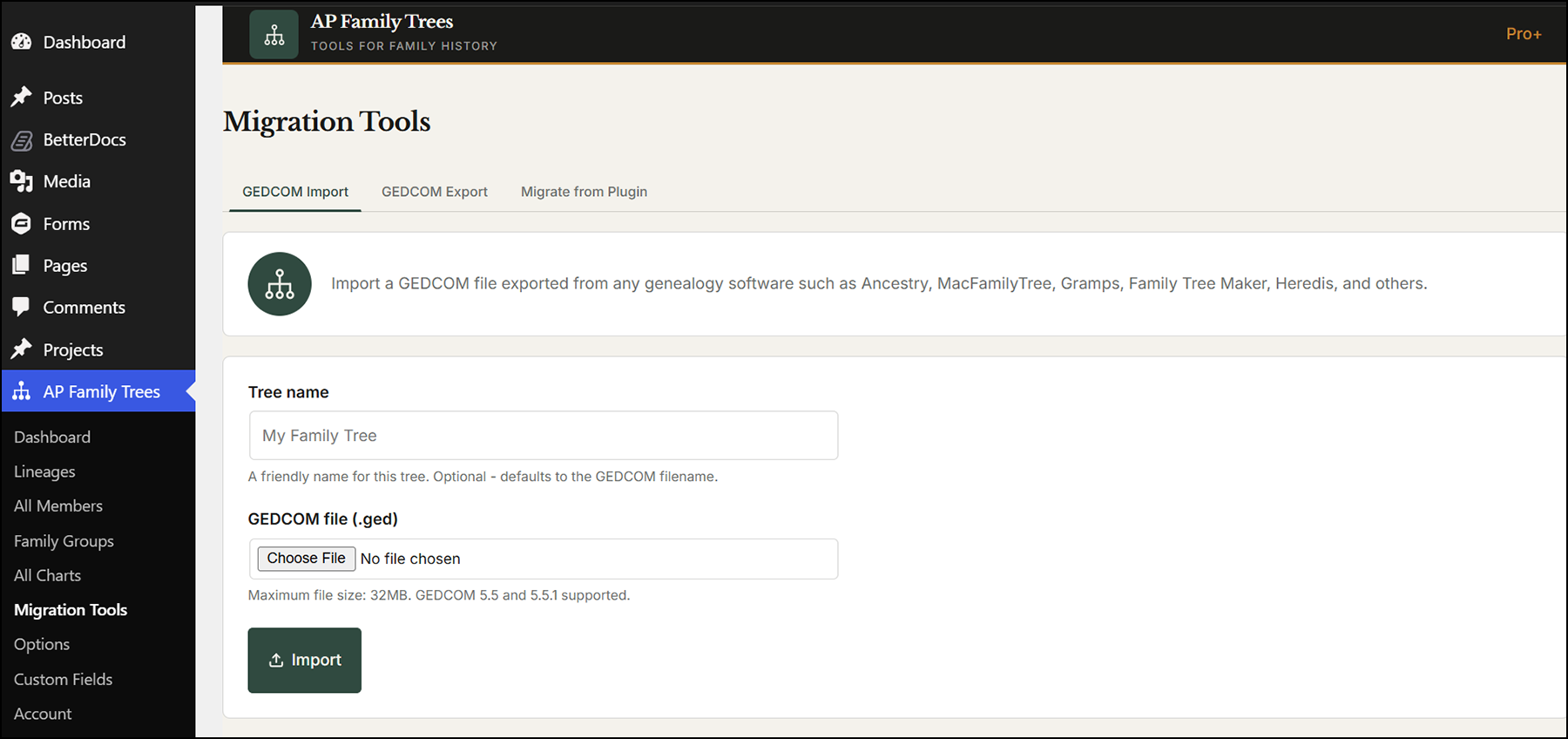
Where Genealogical Tree wins: if you are starting from nothing and like working inside WordPress, its data-entry forms are well developed and familiar.
Getting your tree out
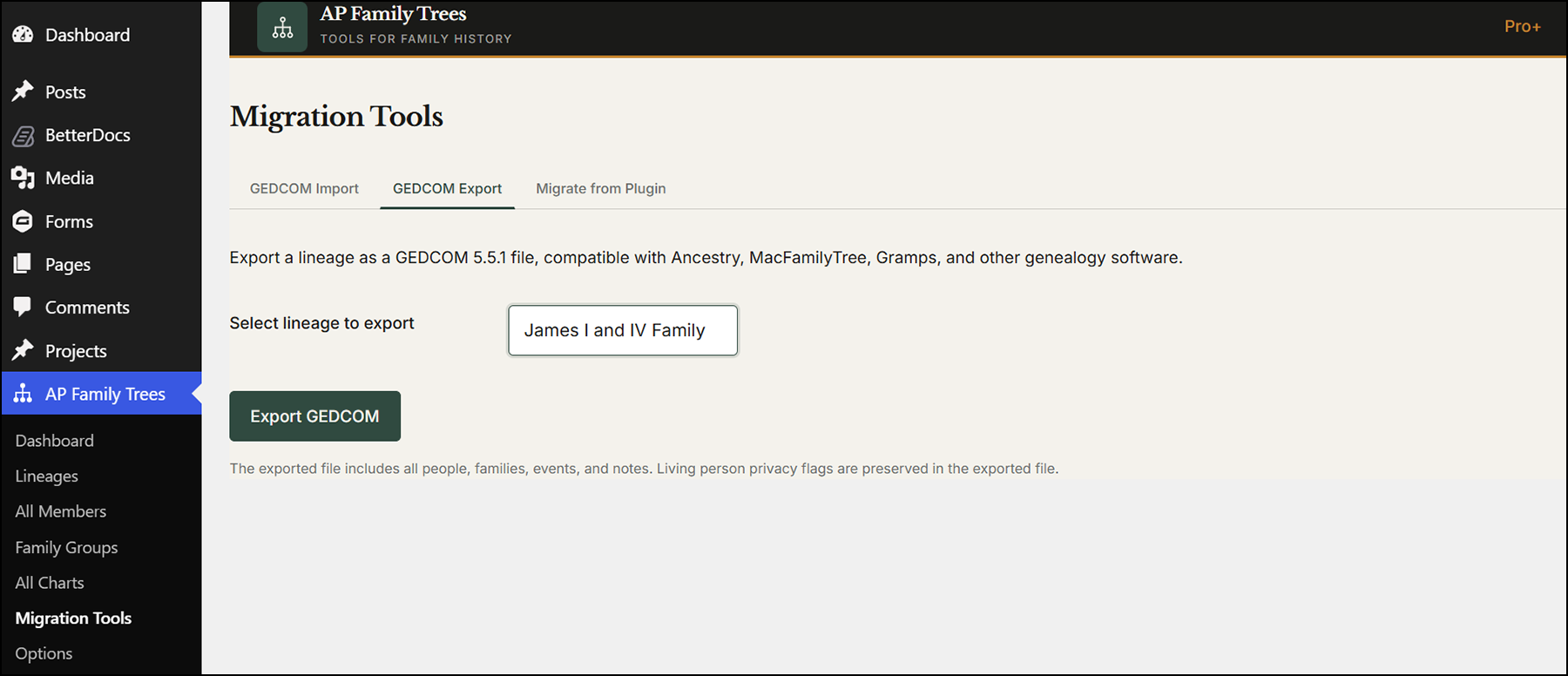
AP Family Trees exports your whole tree as a GEDCOM file free: people, families, events, relationships, notes and source citations. Genealogical Tree also exports GEDCOM, but only in Pro. If you might one day change plugin, move to TNG or webtrees, or hand your research to a relative, free export is a real safeguard.
Charts
Genealogical Tree's free chart shows five generations of descendants and two of ancestors in one style. Pro unlocks unlimited generations and seven layouts, including collapsible, pedigree and ancestor views, plus photos in the tree.
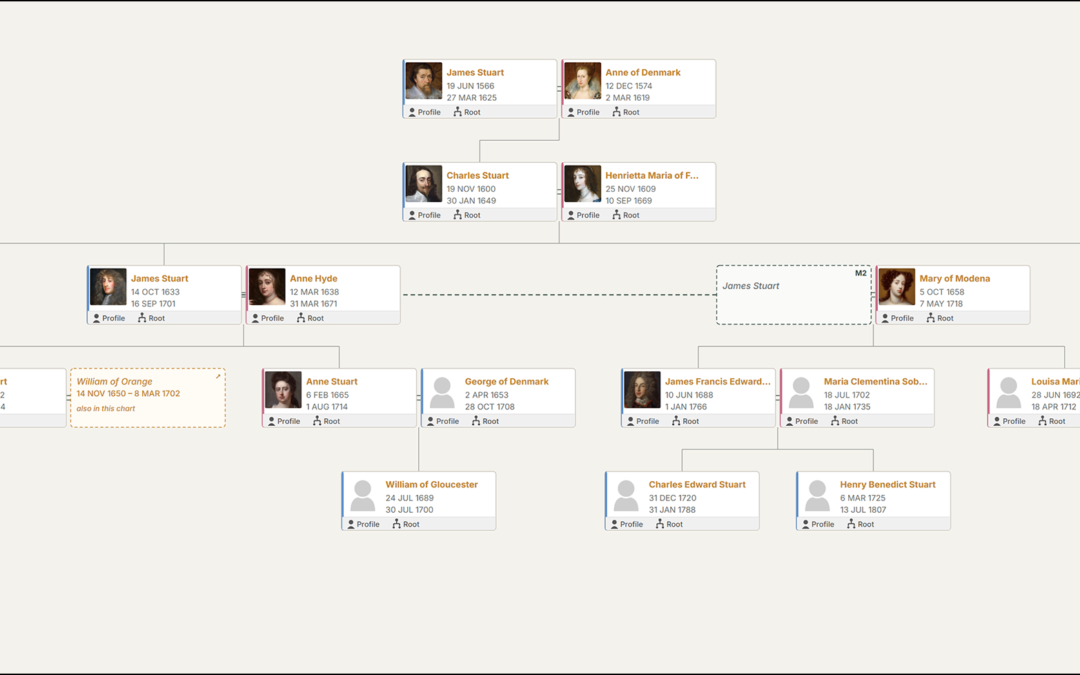
AP Family Trees' free chart is a descendant chart with no generation cap, pan and zoom, and click-to-re-centre on any person. Pro adds the pedigree chart. Pro Plus adds four more layouts, including an Hourglass chart that shows a person's ancestors and descendants together, plus PDF and SVG export. Version 1.5 added a density setting that keeps deep, gappy ancestor charts compact.
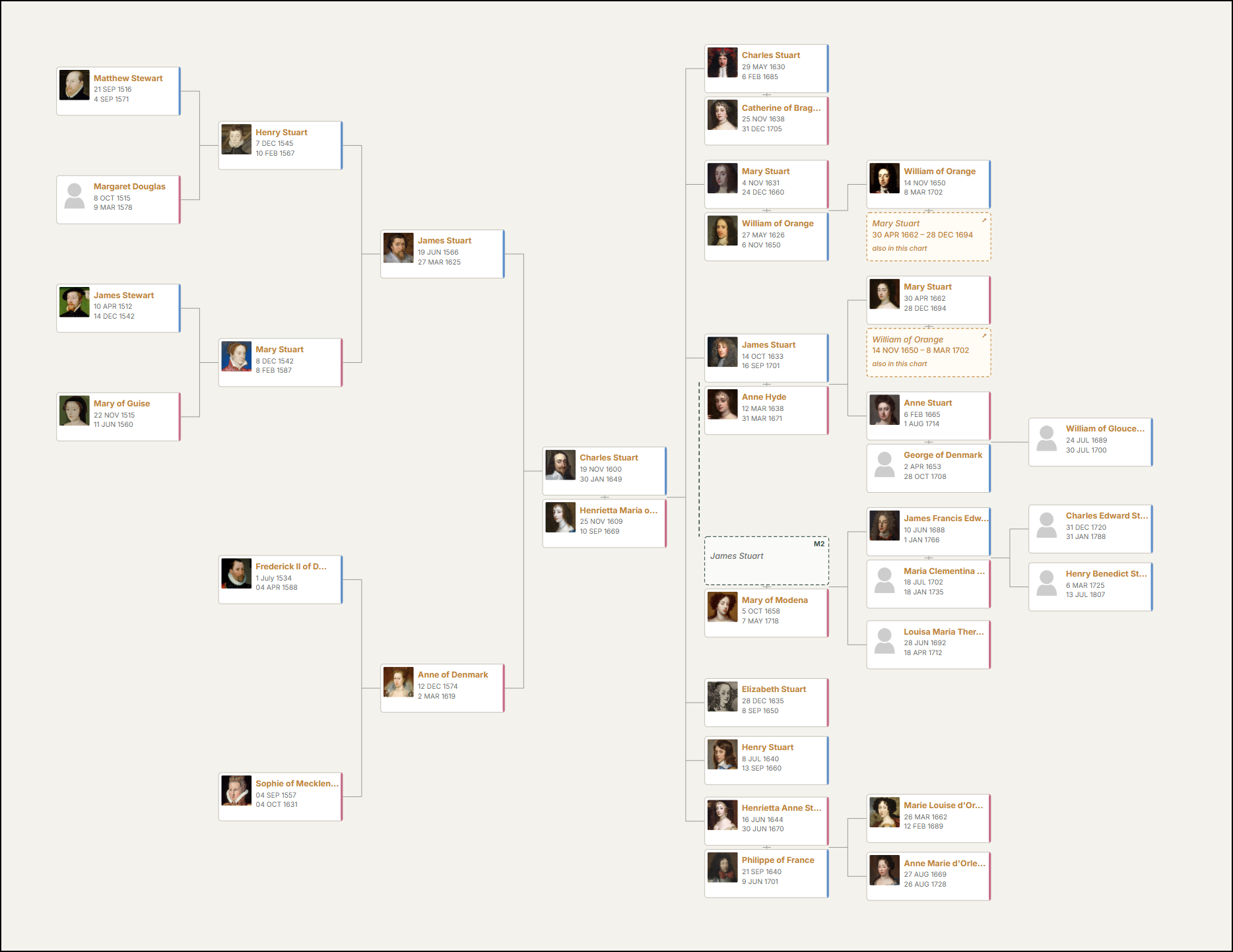
Neither plugin offers a fan chart.
Profile pages
Genealogical Tree wins here on the free tier. Every family member gets a front-end profile page and there is a member list, both free.
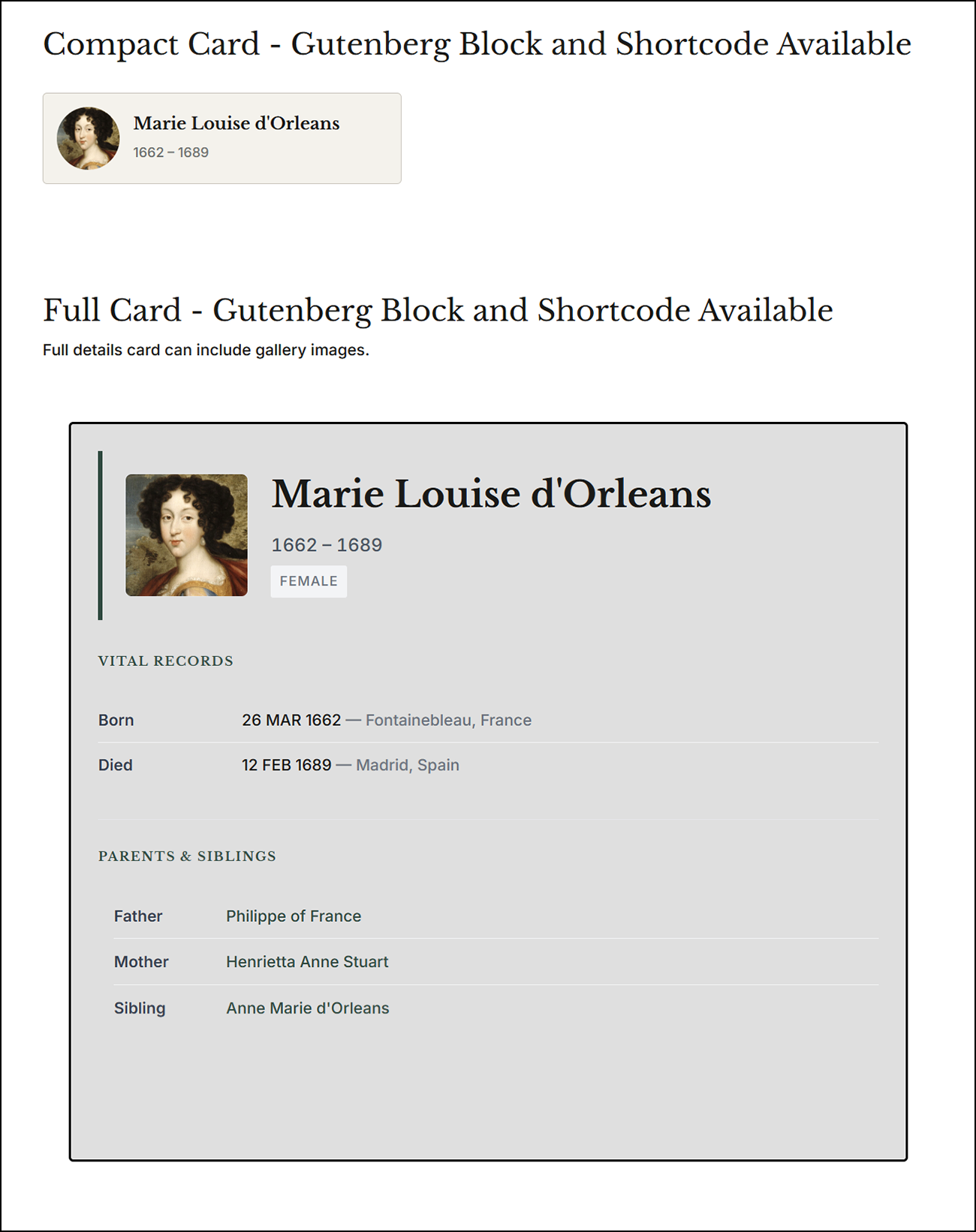
In AP Family Trees, full profile pages, compact profile cards, galleries and member search are Pro features. The compact cards are designed to be dropped into blog posts as "pull-outs" that link to the person's full page, which suits family historians who write stories about their ancestors. If you want free person pages from the same data, AP Family Archive provides them; see the section below.
Privacy of living relatives
Publishing living people's names and dates of birth is both a privacy risk and, in the UK and EU, a data protection issue.
AP Family Trees treats anyone with no death date who was born within the last 100 years as living, and shows them to visitors simply as "Living". It also honours privacy flags from your GEDCOM file and lets you mark people manually. This is on by default in the free version.
Genealogical Tree has an option to hide birth dates for anyone without a recorded death date. Names and profile pages remain visible, so you will need to manage living relatives yourself, for example by not adding them or by restricting pages.
Working with WordPress
AP Family Trees provides a block for the block editor as well as shortcodes, so it works with both the modern editor and page builders. Genealogical Tree uses shortcodes throughout. Both work with any theme.
Genealogical Tree bundles translations in 13 languages, which is a real advantage for non-English sites. AP Family Trees is currently English only.
Price and value
Both cost about the same for one site per year. Genealogical Tree also offers a $150 lifetime licence, which AP Family Trees does not.
The bigger difference is what you get before paying. Genealogical Tree's free version is intentionally limited: one family group, a capped chart and no GEDCOM, which some reviewers have found frustrating. AP Family Trees' free version handles a complete GEDCOM-based tree, with export and privacy, but keeps profile pages and additional charts for paid plans.
Support and maintenance
Genealogical Tree has been maintained since 2019 and was last updated in September 2026. Its WordPress.org rating is 4.1 out of 5 from 16 reviews; users praise its ease of setup and, at times, quick support, while others report slow responses to billing and support questions.
AP Family Trees launched in 2026 and is updated frequently. It has far fewer users and reviews so far, so you are choosing a newer product with a smaller track record.
If you are building a complete family history website
This section goes beyond a like-for-like comparison, because it involves a second AncestorPress plugin.
AP Family Trees shares its data with AP Family Archive, which adds free person pages, family group pages, a surname index, search, source pages and reports from the same imported tree. If your goal is a full, searchable family history site rather than a chart, the two together cover ground Genealogical Tree does not attempt.
Switching from Genealogical Tree to AP Family Trees
If you have Genealogical Tree Pro, export your tree as GEDCOM and import it into AP Family Trees. If you are on the free version, you will need to re-create your tree in genealogy software or export it another way first, because GEDCOM export is a Pro feature. Photos and custom fields should be checked after any move between plugins.
Frequently asked questions
Is Genealogical Tree free?
Yes, there is a free version on WordPress.org, but GEDCOM import and export, multiple family groups, extra layouts and deeper charts require Pro, from $50 a year.
Which plugin is better for a large tree?
For a tree imported from genealogy software, AP Family Trees, because GEDCOM import is free and the free chart has no generation cap. For large charts, start at four or five generations and use the compact text layout for very big trees.
Can I use both plugins?
You can, but they store data separately, so you would maintain two trees. Most people should pick one.
Try AP Family Trees free
Import your GEDCOM file in a few minutes and see your tree on your own site. For the wider market, see the best WordPress genealogy plugins in 2026.
Disclosure: AncestorPress makes AP Family Trees. We tested the free version of Genealogical Tree from WordPress.org; its paid features are described from the developer's own listing. Details were last checked in September 2026.