
A family tree tells you who was related to whom. A family archive holds the evidence and the life behind those names: the certificates, letters, photographs, diaries, medals, recipes and recordings that families accumulate over generations. Most families have one already, in a shoebox in a loft. Turning it into something organised, safe and shareable is one of the most valuable things a family historian can do.
Quick answer
A family archive is the collection of documents, photographs, objects and research that records a family's history, organised so it can be found, understood and passed on. A family tree is the map of relationships; the archive is the evidence and stories behind it. Start by gathering everything in one place, give each item a reference, record what it is and who it relates to, digitise the most important pieces, store originals safely, and keep copies in more than one place.
In this guide
Family tree vs family archive
| Family tree | Family archive | |
|---|---|---|
| What it holds | People, relationships, dates and places | Documents, photos, objects, recordings and research notes |
| What it answers | Who was related to whom | How we know, and what their lives were like |
| Typical form | Genealogy software or an online tree | Physical boxes and folders, plus digital scans |
| Main risk | Unsourced facts copied between trees | Loss: damp, fire, house clearances and forgotten hard drives |
| Shared as | A GEDCOM file or an online tree | A catalogue, scans and a website |
The two work best together. Each fact in your tree should point to an item in your archive, and each item in your archive should be linked to the people it concerns.
What belongs in a family archive
- Certificates and official records: births, marriages, deaths, wills, military service records and naturalisation papers.
- Photographs, including the unlabelled ones; they may be identified later.
- Letters, postcards and diaries.
- Family bibles, whose flyleaves often record births and deaths.
- Objects: medals, uniforms, samplers, tools, jewellery.
- Audio and video: interviews with older relatives are among the most precious items an archive can hold.
- Your research: notes, research logs, correspondence with other researchers and your family tree file.
How to organise a family archive
- Gather everything in one place before you sort anything.
- Choose a simple structure. Most people organise by family line, then by person or couple. Keep it simple enough that someone else could follow it.
- Give every item a reference number, such as HAR-0042, written in pencil on the back of photographs or on the folder, never on the item itself.
- Keep a catalogue, even a spreadsheet: reference, description, date, people shown or named, where it is stored, and who it came from.
- Record what you know now. Who is in the photograph? Where was it taken? Who told you? This knowledge is the first thing lost when a generation passes.
- Link the archive to your tree by citing the reference number as the source of each fact.
Digitising your archive
Scan documents and photographs at a minimum of 600 dpi and save a master copy as TIFF or high-quality JPEG. Name files with the reference number, for example HAR-0042-wedding-1923.jpg, so each file matches its catalogue entry. Photograph objects in good daylight with a plain background. Record audio interviews in a common format such as MP3 or WAV and note who is speaking and when.
Storing the originals
- Keep papers and photographs flat, in acid-free folders and boxes.
- Store them somewhere cool, dark and dry, away from lofts, cellars and outside walls.
- Remove rusty staples, paper clips and rubber bands, and never use sticky tape.
- Handle photographs by their edges.
The 3-2-1 rule for digital copies
Keep three copies of every digital file, on two different kinds of storage, with one copy somewhere else, such as cloud storage or a relative's house. A single hard drive in a drawer is not an archive; it is a future loss.
Sharing a family archive online
An archive that only you can see helps nobody. Scanning is the first step; publishing is what makes it useful to cousins, and what makes it likely to survive you.
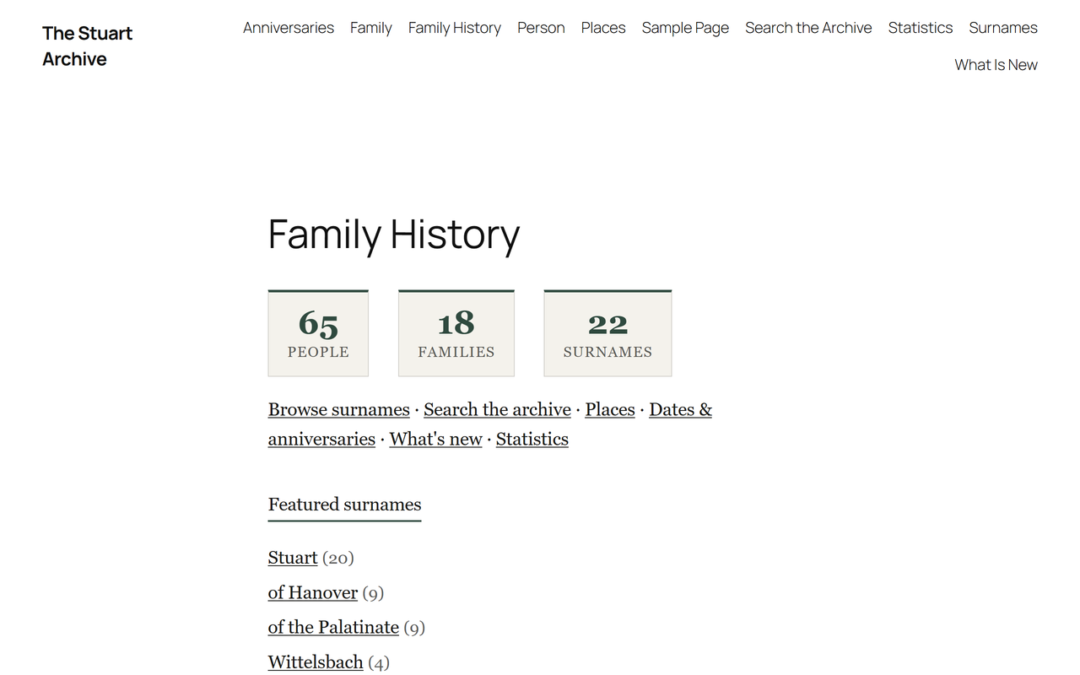
A website lets you present each ancestor with their documents, photographs and sources together. AP Family Archive turns a GEDCOM file into a family history website on WordPress: a page for every person with a life timeline, family pages, a surname index, search, and source pages with citations against each fact, so visitors can see how you know what you know.
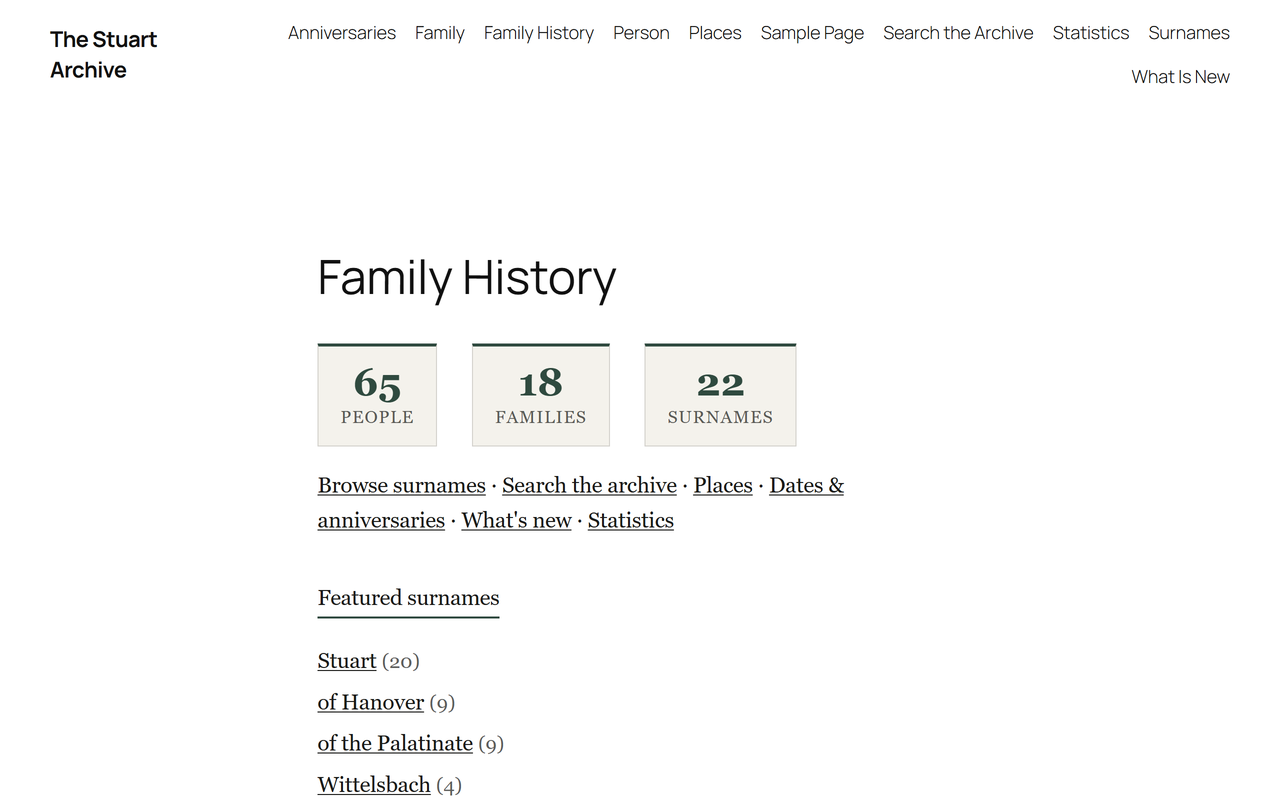
Living people are never shown to visitors, and you can export everything as a GEDCOM file again at any time.
Frequently asked questions
What is the difference between a family tree and a family archive?
A family tree records relationships. A family archive holds the documents, photographs, objects and research that prove those relationships and tell the family's story.
How do I start a family archive?
Gather everything in one place, give each item a reference number, catalogue it in a simple spreadsheet, and scan the most important items first.
What is the best way to store old family photographs?
In acid-free boxes or sleeves, somewhere cool, dark and dry, handled by the edges. Scan them too, and keep the scans in more than one place.
Should I digitise everything?
Start with what is most at risk or most important: unique photographs, letters and certificates. Items that are already safe in public archives can wait.
How do I make sure my archive survives me?
Keep it catalogued, keep digital copies in more than one place, share it with relatives, and tell someone where everything is. Publishing it online makes it far more likely to survive.
Put your family archive online
Import your GEDCOM file and AP Family Archive builds the pages for you: people, families, sources, surnames and search. Free on WordPress.org.
Disclosure: AncestorPress makes AP Family Archive, a WordPress plugin mentioned in the section on sharing your archive online. The rest of this guide applies however you keep your material.