
A family tree is mostly about the dead, but every tree ends with the living: you, your parents, your cousins and their children. Their names, birth dates and places are exactly the details used to answer security questions and steal identities, and many people are simply uncomfortable seeing themselves in someone else's tree. The good news is that hiding living relatives is straightforward once you know where the risks are.
Quick answer
Treat anyone as living unless you have a death date for them or they were born more than 100 years ago. Online services such as Ancestry already hide living people from other users, but the protection does not travel with your data: a GEDCOM export contains living people in full. Before you share a file or publish a tree on your own website, exclude or mask living people, or use software that does it automatically.
In this guide
- Who counts as "living"?
- How the big services handle living people
- Four moments when living people leak
- How to hide living people before you share a file
- Hiding living people on your own website
- Good habits for every family historian
- Is it legal to publish living people?
- Frequently asked questions
- Publish your tree with living relatives protected
Who counts as "living"?
Nobody tells your software when someone dies, so every genealogy program has to guess. The common rule is:
- Anyone with a death date or burial is treated as deceased.
- Anyone born within the last 100 years with no death recorded is treated as living.
- Anyone with no dates at all is treated as living, to be safe.
Ancestry, for example, uses relatives' birth dates to estimate the age of someone with no dates of their own, and assumes a person is living if it cannot tell. Some researchers use 110 years for extra caution.
How the big services handle living people
| Service | What others see of living people | What goes with an export |
|---|---|---|
| Ancestry | Shown as "Private" in public trees and left out of search results | GEDCOM contains living people in full |
| FamilySearch Family Tree | Living people you add are visible only to you | No direct GEDCOM export |
| MyHeritage | Controlled by your family site's privacy settings | GEDCOM contains living people in full |
| Your own website | Whatever your software does; many older plugins show everyone | Depends on the software |
The pattern is clear: on a big service you are protected by the service. The moment your data leaves it, the protection is yours to provide.
Four moments when living people leak
- Sharing a GEDCOM file with a cousin, a society or a one-name study. The file holds everyone.
- Uploading to another service, where the default privacy settings may differ.
- Publishing a tree on your own website with software that does not detect living people. Some WordPress plugins show everyone, or only hide birth dates.
- Printing charts and reports for family gatherings, which then get photographed and posted online.
How to hide living people before you share a file
Most desktop programs can filter living people when they export:
- Look for an export option such as "privatise living people", "exclude living" or "restrict living".
- Choose whether to remove living people completely or replace them with "Living" and no details. Keeping a placeholder preserves the shape of the family.
- Check the result by opening the exported file in a second program and looking at your own family.
If your software has no such option, export a branch that stops a few generations back, or ask the recipient to agree not to publish living people.
Hiding living people on your own website
If you publish your family history yourself, choose software that protects living people automatically, because a manual approach will eventually miss someone.
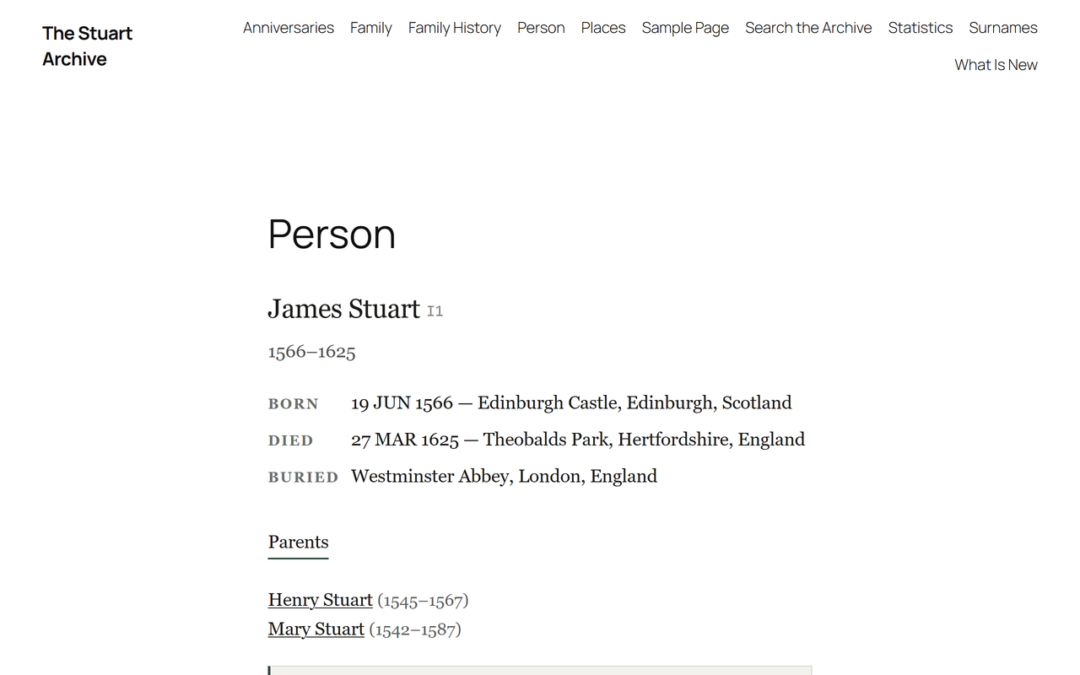
AP Family Trees treats anyone with no death date who was born within the last 100 years as living, and shows them to visitors simply as "Living". It also honours privacy flags from your GEDCOM file and lets you mark individuals by hand. AP Family Archive never shows living or private people to visitors on any page or download, and this cannot be switched off.

Both keep the full details in your own database, so you still see them when you are signed in, and nothing needs deleting from your research.
Good habits for every family historian
- Ask before you add. Living relatives are usually happy to be included if they are asked, and some will add stories and photographs.
- Record deaths promptly so the living filter stays accurate.
- Be careful with small families. Even with names hidden, a tree can reveal who someone's parents are. Consider hiding the last two generations entirely.
- Watch notes and stories. A biography of a grandparent can name living grandchildren. Privacy filters do not read your prose.
- Remember DNA. Matches and ethnicity results reveal information about living relatives too, and deserve the same care.
Is it legal to publish living people?
In the UK and EU, data protection law applies to information about living people, not the dead. Publishing a tree containing living relatives on a public website is likely to fall within it. We explain the rules in a separate guide, but the safe approach is simple: do not publish living people without their agreement.
Frequently asked questions
How do I hide living people on Ancestry?
You don't need to: Ancestry shows living people as "Private" to other members automatically. Make sure people who have died have a death date, or Ancestry may keep treating them as living.
Does a GEDCOM file include living people?
Yes. An export includes everyone in your tree unless you choose a privacy option when exporting.
What is the 100-year rule in genealogy?
It is the common assumption that anyone born within the last 100 years with no recorded death may still be alive, and should be treated as living.
Should I include living people in my tree at all?
Yes, for your own research: they connect the generations. The question is only who can see them.
Publish your tree with living relatives protected
AP Family Trees and AP Family Archive hide living people from visitors automatically. Both are free on WordPress.org.
Disclosure: AncestorPress makes AP Family Trees and AP Family Archive, which are mentioned in the section on your own website. The rest of this guide applies whatever software you use. Details were last checked in September 2026.